Deep dive map - where to start and what to open next
If you are solving this exact problem right now, open the tools in the same order shown below and keep this article open as your checklist. This avoids skipping steps that usually cause rework.
Start with Password Generator, Checksum Generator, UUID Generator, Text Case Converter, Find & Replace, HTML to Text, Temp Email Generator. Then continue reading Monthly Finance Planning with Practical Online Calculators, Hinglish to Hindi Workflow for Cleaner Devanagari Output, Developer Validation Stack: JSON, Regex, Schema, and SQL Workflow, Temporary Email and Alias Workflow for Safer Signups, SEO Content Workflow with Meta, Slug, and Reading Time Tools, Compress and Convert Images for Faster, Lighter Web Pages, JSON, CSV, and Base64: A Clean Data Conversion Workflow, Password and Identity Hygiene with Free Browser Tools, Plan Loan EMI, Interest, and Prepayment Without Surprises, GST and VAT Invoicing Without the Common Errors, Writing SEO Titles, Slugs, and Meta Descriptions That Work, Using AI Tools Responsibly for Content and Code, A Simple Routine to Improve Typing Speed and Accuracy, Network Diagnostics in the Browser: IP, DNS, Ping, and Ports for connected workflows.
The real risk in daily micro-tasks
Many daily actions look harmless: cleaning text, formatting IDs, generating sample payloads, or validating snippets. But doing this in random web tools can expose internal data patterns.
Privacy-first browser tools reduce this risk by running core operations locally whenever possible, while still keeping execution fast.
Practical tasks you should keep browser-local
Operations like case conversion, find-replace, HTML-to-text cleanup, and UUID generation are ideal for local processing. These tasks are frequent and do not require external models or APIs.
For credentials or token placeholders, use Password Generator and avoid reusing previously generated values across environments.
- Use UUIDs for test entities instead of real IDs in demos.
- Use checksums to verify file integrity after transfer.
- Use temporary email only for trial signups and disposable workflows.
How teams can standardize a safer workflow
Create a short internal guideline: what can be processed in-browser, what can be sent to external APIs, and what must stay within approved systems.
This removes confusion for new team members and keeps execution consistent across support, content, and engineering functions.
Where productivity and privacy align
Privacy-first does not need to slow people down. The fastest workflows are often local by default because they skip account friction and upload wait time.
Teams get both speed and control when they map simple daily operations to the right browser-native tools.
Why this matters in real workflows
Data exposure rarely happens in one big incident. It usually leaks through repeated small tasks done in unsafe contexts. Fixing daily habits gives the biggest long-term security gain.
A browser-first utility stack gives repeatable speed, fewer operational risks, and cleaner governance for distributed teams.
Why this is useful in depth
You keep repetitive tasks fast while reducing unnecessary data exposure risk in daily operations.
Frequently Asked Questions
Are all tools completely offline?▼
Most core utilities run locally. Some tools still call external APIs when the feature itself requires network processing.
Should I avoid all cloud tools?▼
No. Use cloud tools when needed, but keep low-complexity sensitive transformations local whenever possible.
Is temporary email safe for business accounts?▼
Use temporary email only for trial or disposable flows, not for primary business identities.
Explore all blog posts
Continue with these internal links for more practical tool workflows.

Monthly Finance Planning with Practical Online Calculators
If your month-end budget keeps changing after every invoice check, this guide shows a stable calculator sequence for tax, EMI, SIP, and savings decisions.
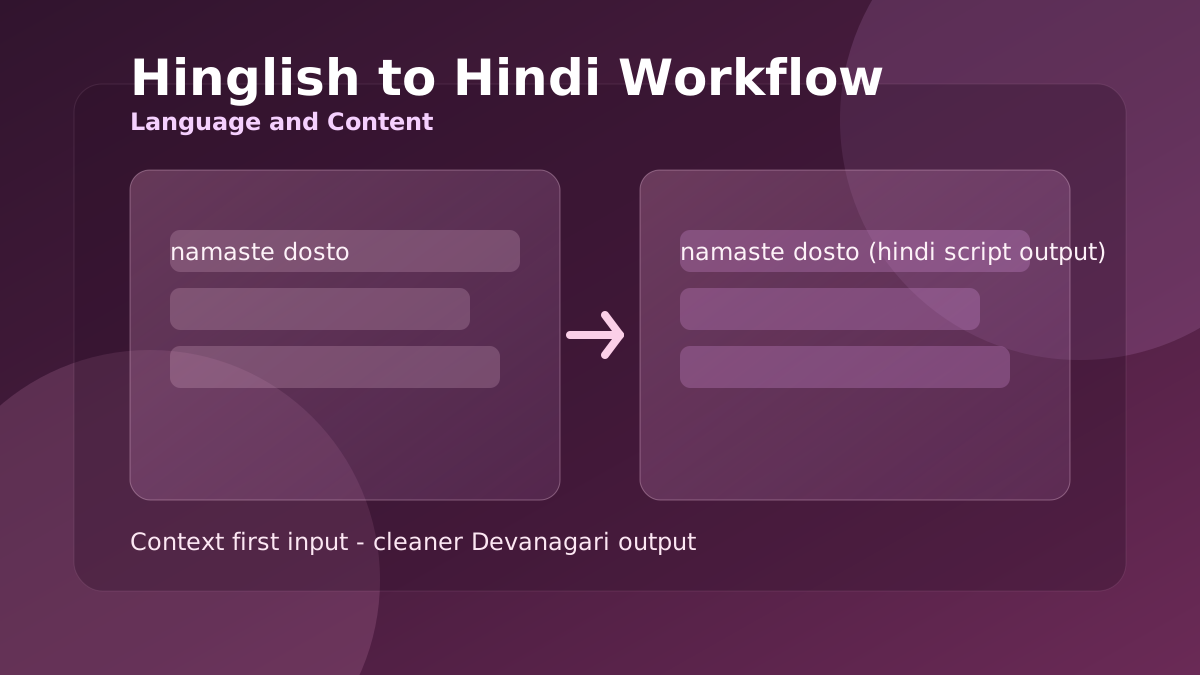
Hinglish to Hindi Workflow for Cleaner Devanagari Output
When Roman Hindi captions look correct but Devanagari output feels awkward, this workflow helps you produce readable Hindi for posts, chats, and support replies.
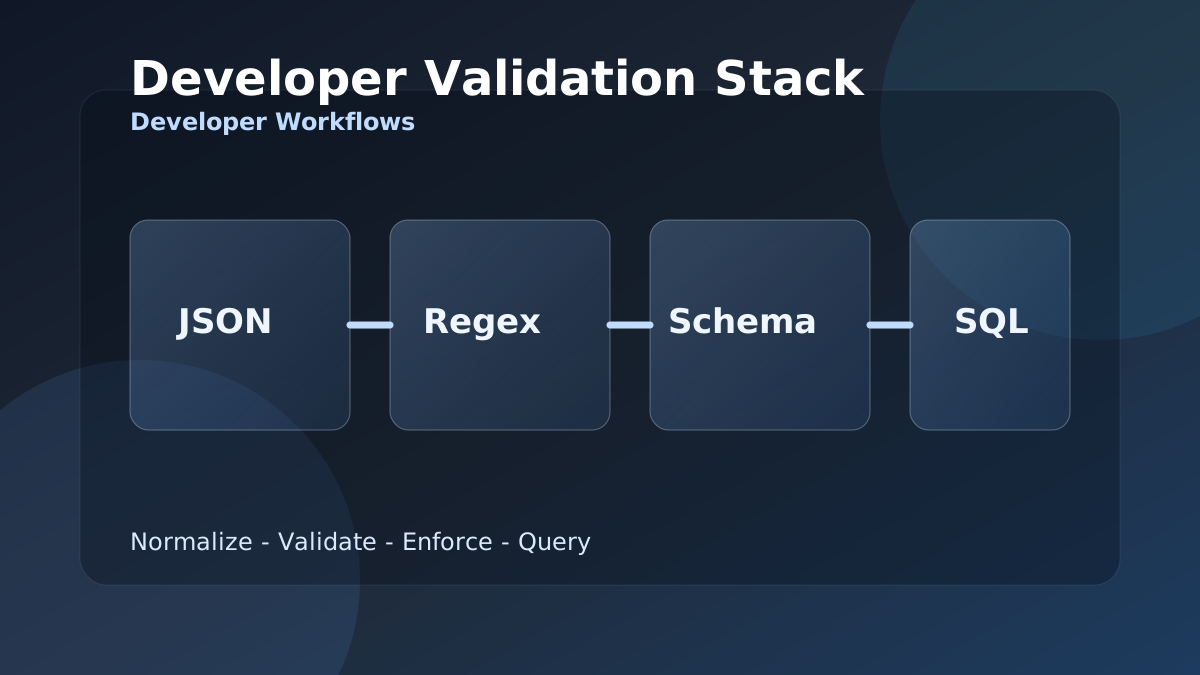
Developer Validation Stack: JSON, Regex, Schema, and SQL Workflow
When integration bugs come from malformed payloads and weak field checks, this stack gives developers a repeatable JSON to SQL validation workflow.
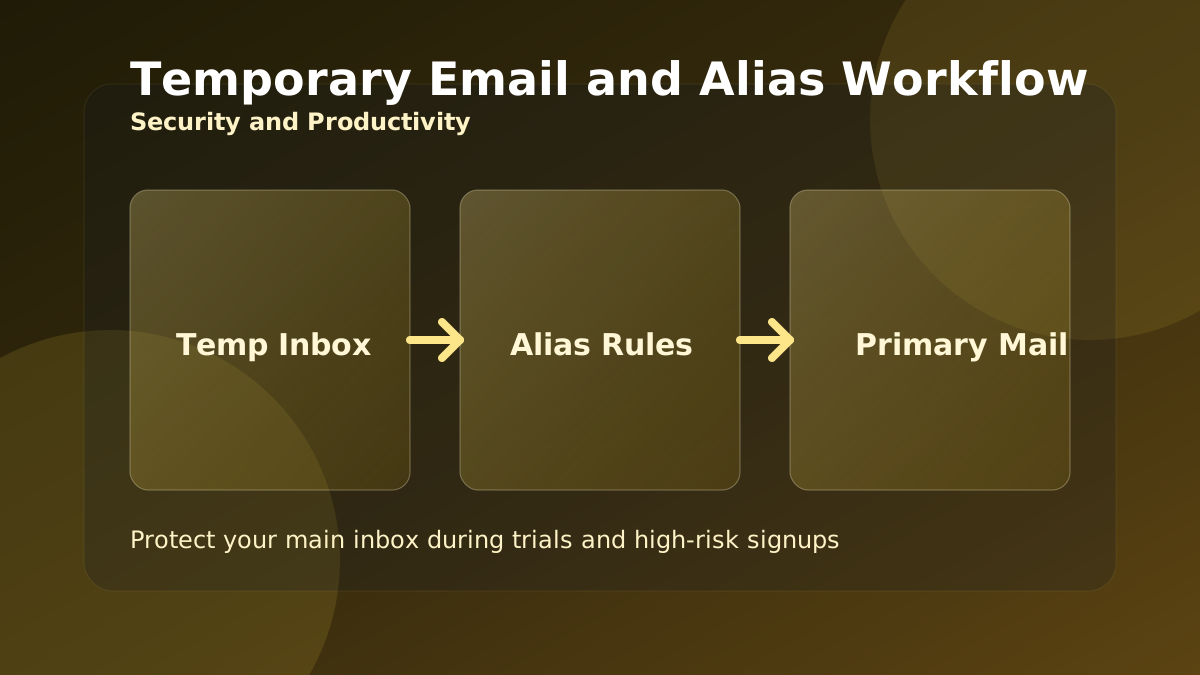
Temporary Email and Alias Workflow for Safer Signups
Use temporary inboxes and aliases the right way to protect your main mailbox during trials, product research, and high-risk signup flows.
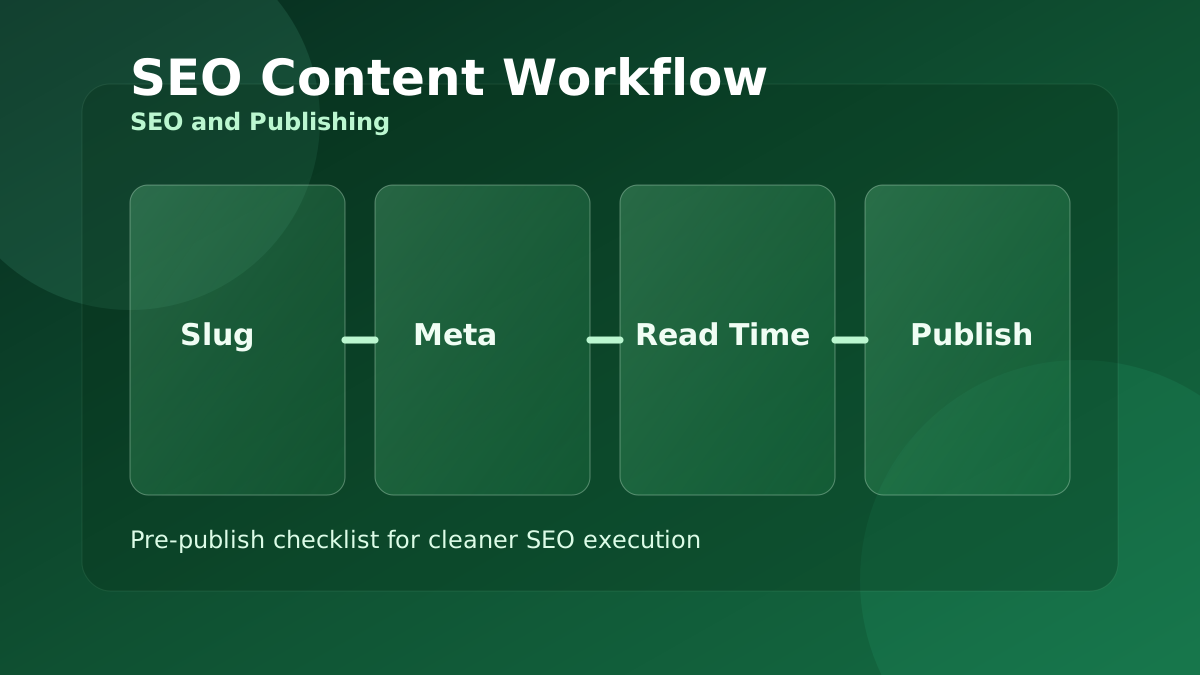
SEO Content Workflow with Meta, Slug, and Reading Time Tools
A practical pre-publish workflow for content teams that need cleaner slugs, stronger metadata, and better readability before publishing.
Compress and Convert Images for Faster, Lighter Web Pages
Large images are the most common reason pages load slowly. This guide shows a simple browser-only routine to resize, compress, and convert images to the right format.
JSON, CSV, and Base64: A Clean Data Conversion Workflow
Moving data between a spreadsheet, an API, and your code means converting formats without corrupting it. Here is a reliable order of operations using free browser tools.
Password and Identity Hygiene with Free Browser Tools
Strong passwords, throwaway emails, and verified downloads are the basics of staying safe online. This guide turns them into a quick, repeatable routine.
Plan Loan EMI, Interest, and Prepayment Without Surprises
The monthly EMI is only half the story. This guide shows how to see the total interest, compare terms, and understand why early prepayment saves the most.
GST and VAT Invoicing Without the Common Errors
Most invoice disputes come from applying tax and discount in the wrong order, or confusing tax-inclusive and tax-exclusive prices. Here is how to get it right every time.
Writing SEO Titles, Slugs, and Meta Descriptions That Work
Before you publish, a few minutes on the title, slug, meta description, and readability pays off in clicks. This is a simple pre-publish checklist using free tools.
Using AI Tools Responsibly for Content and Code
AI helpers can draft a summary, a reply, or a SQL query in seconds. Used well they save time; used carelessly they introduce errors. Here is how to get the upside safely.
A Simple Routine to Improve Typing Speed and Accuracy
Faster typing comes from accuracy and consistent practice, not from rushing. This guide turns the typing tests into a short routine that actually builds skill.
Network Diagnostics in the Browser: IP, DNS, Ping, and Ports
When a site is slow or unreachable, a few quick checks tell you whether the problem is your connection, DNS, or the server. Here is a simple triage order.