Deep dive map - where to start and what to open next
If you are solving this exact problem right now, open the tools in the same order shown below and keep this article open as your checklist. This avoids skipping steps that usually cause rework.
Start with Slug Generator, Seo Meta Generator, Reading Time Calculator, Word Counter, Markdown to HTML, Text to HTML. Then continue reading Monthly Finance Planning with Practical Online Calculators, Hinglish to Hindi Workflow for Cleaner Devanagari Output, Privacy-First Browser Tools for Daily Workflows, Developer Validation Stack: JSON, Regex, Schema, and SQL Workflow, Temporary Email and Alias Workflow for Safer Signups, Compress and Convert Images for Faster, Lighter Web Pages, JSON, CSV, and Base64: A Clean Data Conversion Workflow, Password and Identity Hygiene with Free Browser Tools, Plan Loan EMI, Interest, and Prepayment Without Surprises, GST and VAT Invoicing Without the Common Errors, Writing SEO Titles, Slugs, and Meta Descriptions That Work, Using AI Tools Responsibly for Content and Code, A Simple Routine to Improve Typing Speed and Accuracy, Network Diagnostics in the Browser: IP, DNS, Ping, and Ports for connected workflows.
Why SEO quality drops in fast publishing cycles
When teams publish quickly, common issues appear: inconsistent slugs, missing metadata clarity, oversized intros, and unreadable formatting.
These are not strategy failures. They are execution gaps that can be fixed with a structured pre-publish workflow.
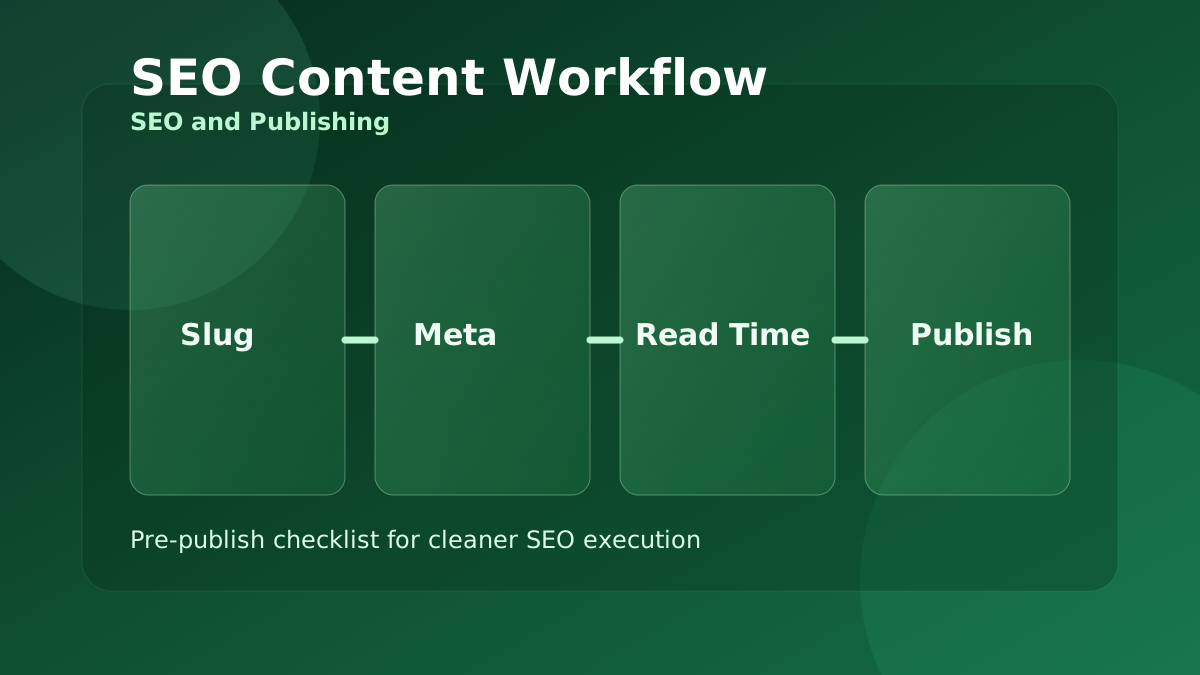
Step 1 - Lock URL and intent alignment
Use Slug Generator to create clean, readable, keyword-aligned URLs. Keep slugs concise and avoid unnecessary stop words.
A stable slug early in the process prevents later internal linking and canonical confusion.
Step 2 - Draft metadata with clear promise
Use SEO Meta Generator to produce title and description drafts that match page intent. Prioritize clarity and benefit over keyword stuffing.
Final metadata should describe the exact value the reader gets from that page, not a generic promotional line.
Step 3 - Validate readability and delivery
Use Reading Time Calculator and Word Counter to set realistic article length and pacing for your audience segment.
For technical docs and tutorials, convert Markdown to HTML or plain text into structured HTML to maintain consistent rendering quality.
- Keep intro short and specific.
- Use subheadings that map to search intent clusters.
- Confirm internal links point to active relevant tools.
Why this matters in real workflows
Content performance often depends on execution quality more than volume. Small consistency wins across every article compound over time.
With a reliable pre-publish stack, teams reduce QA loops, improve discoverability fundamentals, and maintain brand-level writing standards at scale.
Why this is useful in depth
A lightweight checklist improves consistency, cuts avoidable edits, and helps teams publish search-ready pages with fewer last-minute fixes.
Frequently Asked Questions
Should metadata be finalized before content is complete?▼
Draft early for direction, then finalize after body content is complete so promise and delivery match.
Does reading time affect SEO directly?▼
Not directly as a ranking factor, but it improves user expectation and content structure decisions.
How many tools should this workflow include?▼
Keep it minimal and repeatable. Slug, metadata, and readability checks are the highest-value core set.
Explore all blog posts
Continue with these internal links for more practical tool workflows.
Monthly Finance Planning with Practical Online Calculators
If your month-end budget keeps changing after every invoice check, this guide shows a stable calculator sequence for tax, EMI, SIP, and savings decisions.
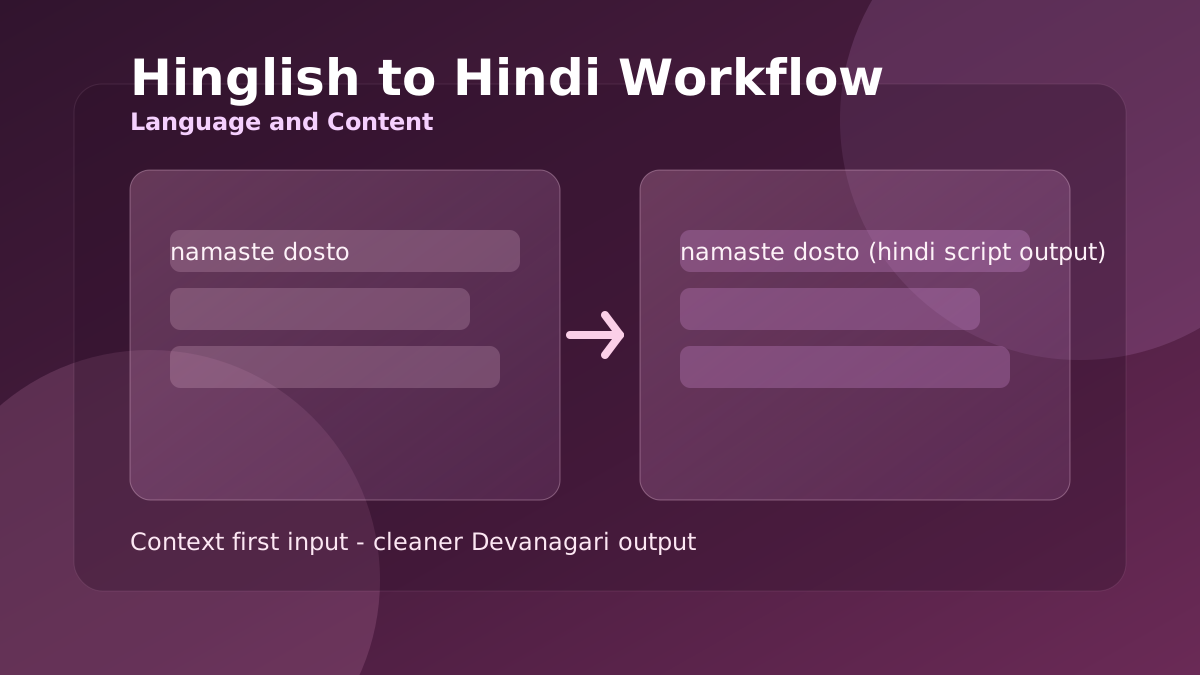
Hinglish to Hindi Workflow for Cleaner Devanagari Output
When Roman Hindi captions look correct but Devanagari output feels awkward, this workflow helps you produce readable Hindi for posts, chats, and support replies.
Privacy-First Browser Tools for Daily Workflows
A browser-first routine for handling client notes, drafts, and sensitive text tasks without pushing raw data to random third-party tools.
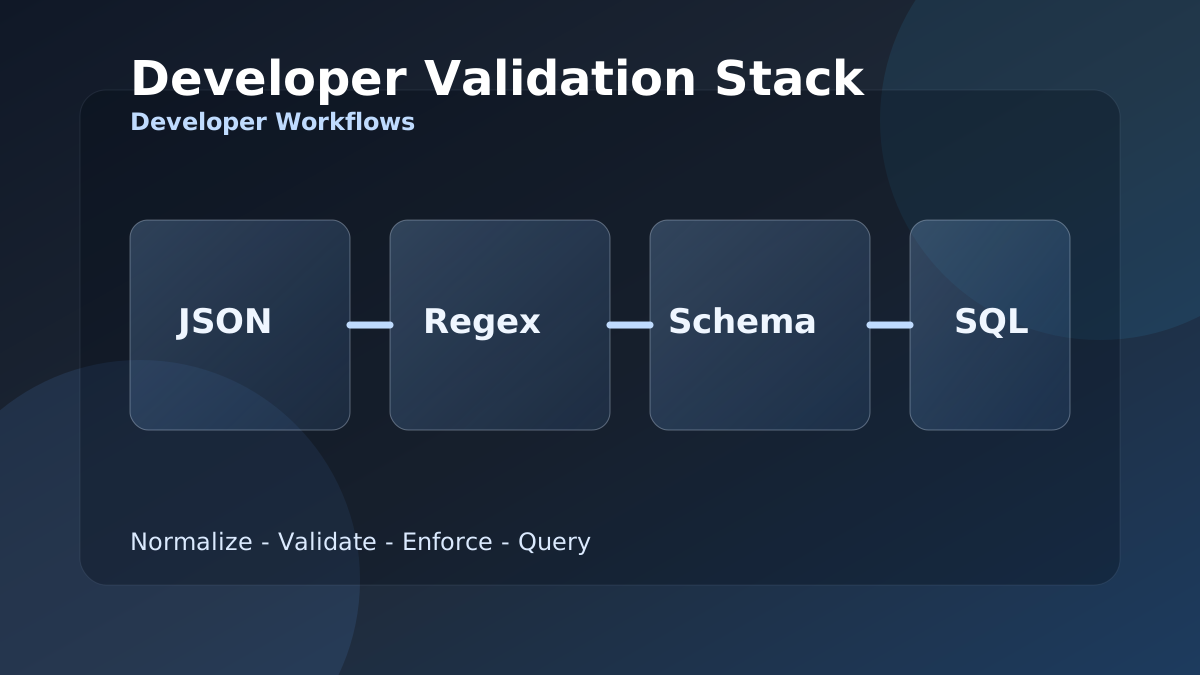
Developer Validation Stack: JSON, Regex, Schema, and SQL Workflow
When integration bugs come from malformed payloads and weak field checks, this stack gives developers a repeatable JSON to SQL validation workflow.
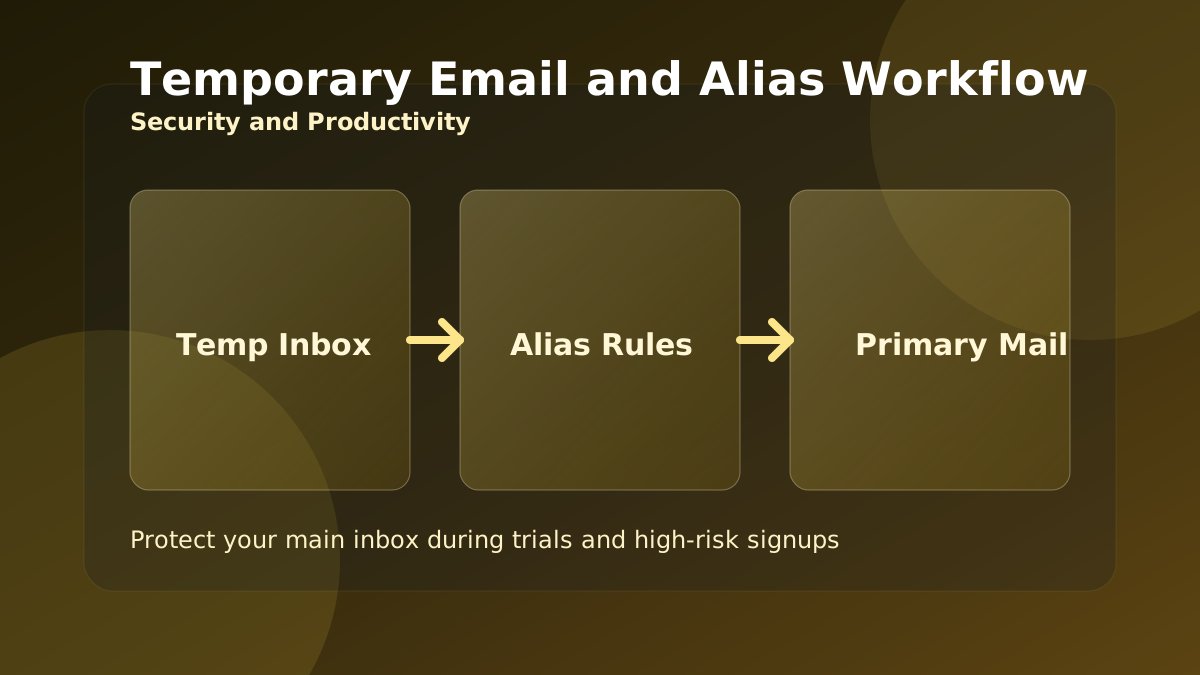
Temporary Email and Alias Workflow for Safer Signups
Use temporary inboxes and aliases the right way to protect your main mailbox during trials, product research, and high-risk signup flows.
Compress and Convert Images for Faster, Lighter Web Pages
Large images are the most common reason pages load slowly. This guide shows a simple browser-only routine to resize, compress, and convert images to the right format.
JSON, CSV, and Base64: A Clean Data Conversion Workflow
Moving data between a spreadsheet, an API, and your code means converting formats without corrupting it. Here is a reliable order of operations using free browser tools.
Password and Identity Hygiene with Free Browser Tools
Strong passwords, throwaway emails, and verified downloads are the basics of staying safe online. This guide turns them into a quick, repeatable routine.
Plan Loan EMI, Interest, and Prepayment Without Surprises
The monthly EMI is only half the story. This guide shows how to see the total interest, compare terms, and understand why early prepayment saves the most.
GST and VAT Invoicing Without the Common Errors
Most invoice disputes come from applying tax and discount in the wrong order, or confusing tax-inclusive and tax-exclusive prices. Here is how to get it right every time.
Writing SEO Titles, Slugs, and Meta Descriptions That Work
Before you publish, a few minutes on the title, slug, meta description, and readability pays off in clicks. This is a simple pre-publish checklist using free tools.
Using AI Tools Responsibly for Content and Code
AI helpers can draft a summary, a reply, or a SQL query in seconds. Used well they save time; used carelessly they introduce errors. Here is how to get the upside safely.
A Simple Routine to Improve Typing Speed and Accuracy
Faster typing comes from accuracy and consistent practice, not from rushing. This guide turns the typing tests into a short routine that actually builds skill.
Network Diagnostics in the Browser: IP, DNS, Ping, and Ports
When a site is slow or unreachable, a few quick checks tell you whether the problem is your connection, DNS, or the server. Here is a simple triage order.