Deep dive map - where to start and what to open next
If you are solving this exact problem right now, open the tools in the same order shown below and keep this article open as your checklist. This avoids skipping steps that usually cause rework.
Start with Discount Calculator, Income Tax Calculator, GST / VAT Calculator, Loan / EMI Calculator, SIP Calculator, Savings Goal Calculator, ROI Calculator. Then continue reading Hinglish to Hindi Workflow for Cleaner Devanagari Output, Privacy-First Browser Tools for Daily Workflows, Developer Validation Stack: JSON, Regex, Schema, and SQL Workflow, Temporary Email and Alias Workflow for Safer Signups, SEO Content Workflow with Meta, Slug, and Reading Time Tools, Compress and Convert Images for Faster, Lighter Web Pages, JSON, CSV, and Base64: A Clean Data Conversion Workflow, Password and Identity Hygiene with Free Browser Tools, Plan Loan EMI, Interest, and Prepayment Without Surprises, GST and VAT Invoicing Without the Common Errors, Writing SEO Titles, Slugs, and Meta Descriptions That Work, Using AI Tools Responsibly for Content and Code, A Simple Routine to Improve Typing Speed and Accuracy, Network Diagnostics in the Browser: IP, DNS, Ping, and Ports for connected workflows.
Why finance planning fails for most people
Most monthly plans fail because the numbers are mixed from different assumptions. Discount is applied one way, tax another way, and investment goals are estimated without checking cash flow impact.
When one step is off, the entire plan becomes unstable. A consistent sequence solves this: calculate transaction-level values first, then income and outflow, and only then commit money to long-term goals.
Step 1 - Fix transaction-level accuracy first
Use the Discount Calculator and GST or VAT Calculator together before sending a quote or invoice. This ensures discount and tax order is correct and prevents underbilling.
If you sell multiple products, validate one line item first. Then reuse the same logic across all line items so totals remain auditable.
- Apply discount on base value before tax unless your local rule says otherwise.
- Cross-check tax-inclusive and tax-exclusive totals with GST or VAT calculator.
- Lock final per-item amount before generating invoice PDF.
Step 2 - Plan fixed commitments before investing
Use the Loan Calculator to estimate EMI and total interest impact. This helps you understand mandatory monthly outflow before allocating to SIPs or savings goals.
Once fixed commitments are clear, open SIP Calculator and Savings Goal Calculator to decide what is sustainable, not just what looks ideal.
- Keep EMI plus essentials under your comfort ratio, not the maximum approved ratio.
- Use SIP projections as directional planning, not guaranteed returns.
- Use savings goal estimates to set a monthly floor amount for emergency targets.
Step 3 - Review outcome quality with ROI
The ROI Calculator is useful for comparing campaign spending, side-business purchases, or tooling subscriptions. It tells you whether money deployed is producing measurable return.
Combine ROI checks with monthly expense review so cost-heavy activities are justified by outcomes and not habit.
Why this matters in real workflows
Freelancers, founders, and salaried users usually manage multiple financial decisions at once: client billing, personal budgeting, debt servicing, and investments. Separate calculators become powerful when used as one decision chain.
With a sequence-first approach, every number has context. You reduce rework, avoid spreadsheet confusion, and make monthly financial decisions faster and with better confidence.
Why this is useful in depth
You move from guess-based planning to one verified number chain, so billing, budgeting, and investing stay aligned even when income varies.
Frequently Asked Questions
Should I apply tax before discount?▼
In most billing workflows, discount is applied on the base value first, then tax. Always verify local tax rules before final submission.
Can these calculators replace a financial advisor?▼
They are excellent for planning and validation, but high-stakes tax filing or investment decisions still need advisor review.
How often should I run this workflow?▼
Run a full cycle monthly, and re-run immediately when income, debt, or fixed expenses change.
Explore all blog posts
Continue with these internal links for more practical tool workflows.
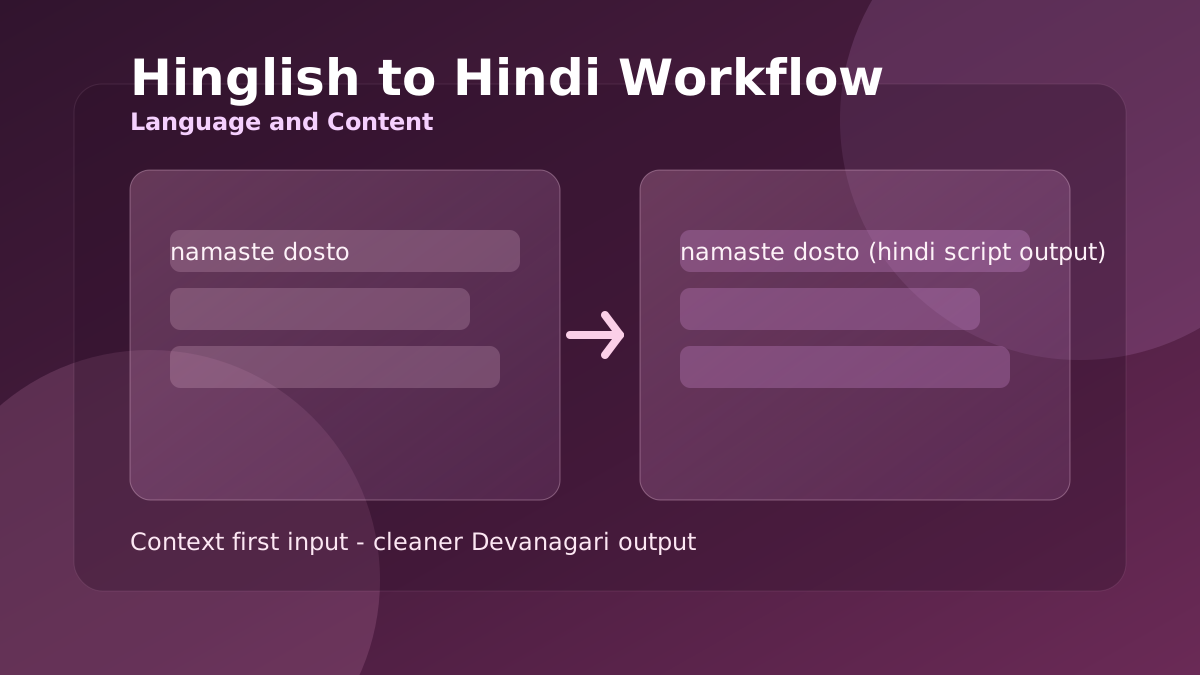
Hinglish to Hindi Workflow for Cleaner Devanagari Output
When Roman Hindi captions look correct but Devanagari output feels awkward, this workflow helps you produce readable Hindi for posts, chats, and support replies.
Privacy-First Browser Tools for Daily Workflows
A browser-first routine for handling client notes, drafts, and sensitive text tasks without pushing raw data to random third-party tools.
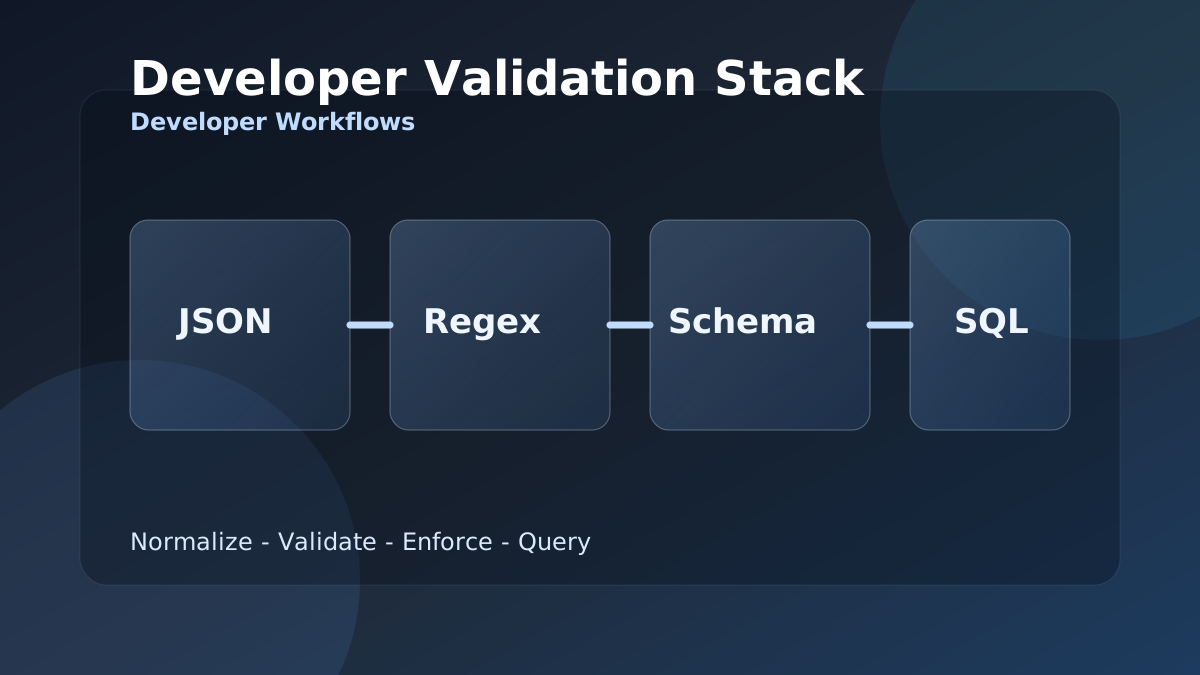
Developer Validation Stack: JSON, Regex, Schema, and SQL Workflow
When integration bugs come from malformed payloads and weak field checks, this stack gives developers a repeatable JSON to SQL validation workflow.
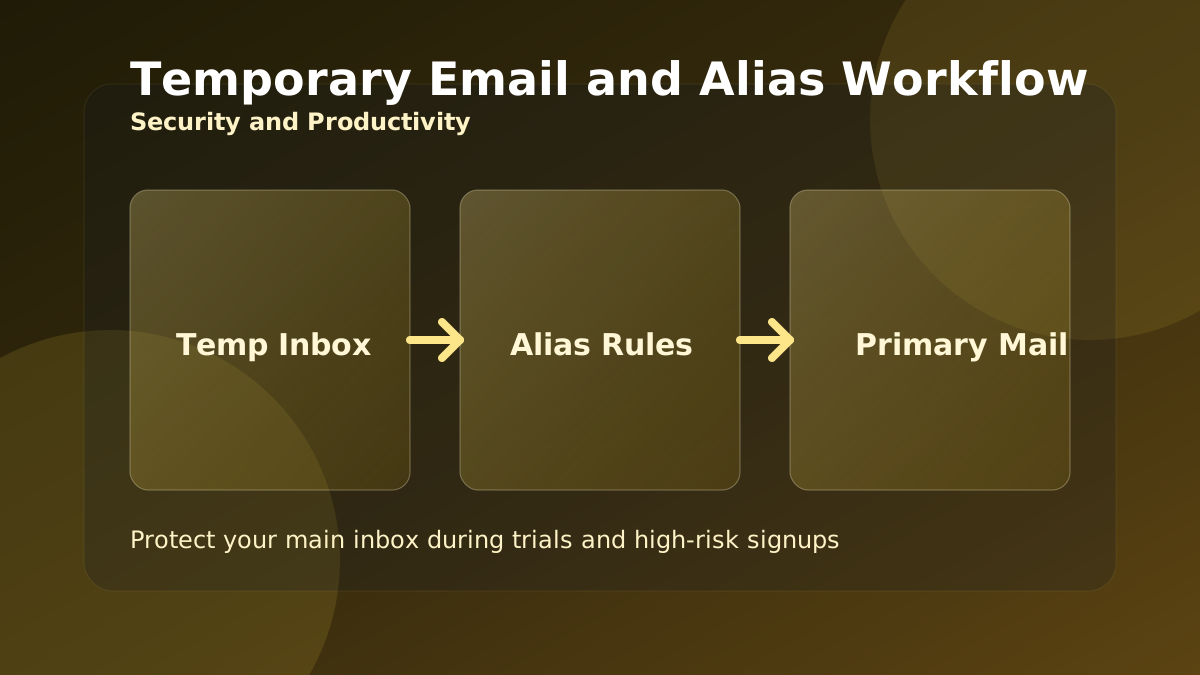
Temporary Email and Alias Workflow for Safer Signups
Use temporary inboxes and aliases the right way to protect your main mailbox during trials, product research, and high-risk signup flows.
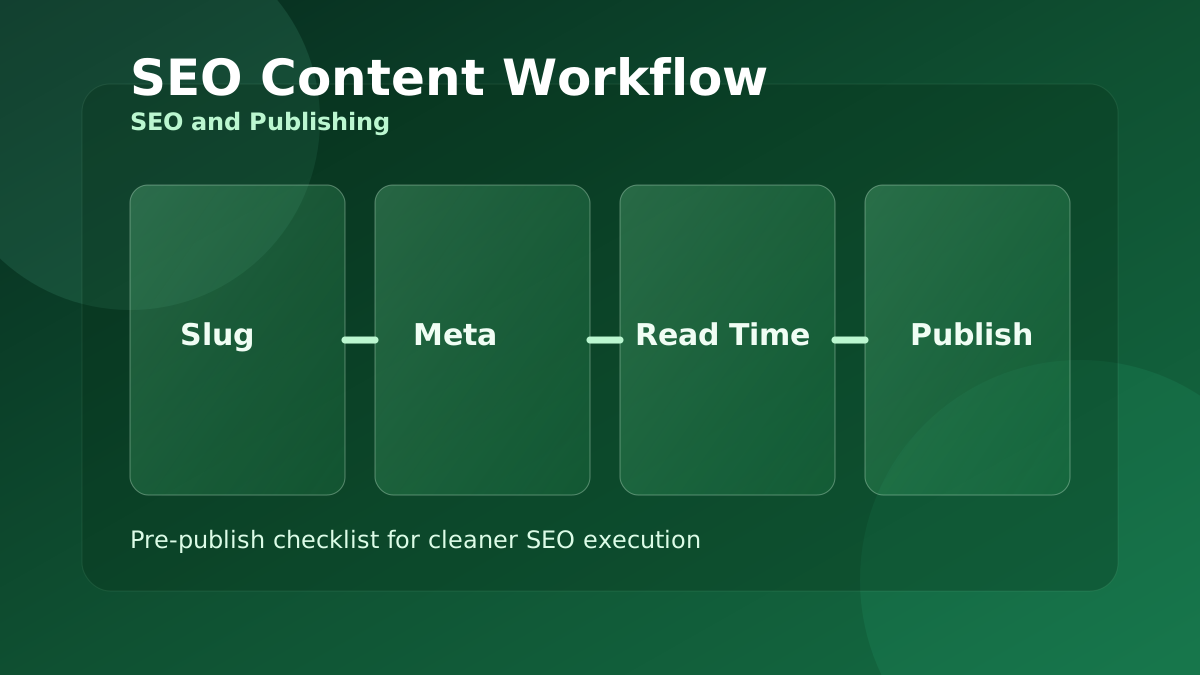
SEO Content Workflow with Meta, Slug, and Reading Time Tools
A practical pre-publish workflow for content teams that need cleaner slugs, stronger metadata, and better readability before publishing.
Compress and Convert Images for Faster, Lighter Web Pages
Large images are the most common reason pages load slowly. This guide shows a simple browser-only routine to resize, compress, and convert images to the right format.
JSON, CSV, and Base64: A Clean Data Conversion Workflow
Moving data between a spreadsheet, an API, and your code means converting formats without corrupting it. Here is a reliable order of operations using free browser tools.
Password and Identity Hygiene with Free Browser Tools
Strong passwords, throwaway emails, and verified downloads are the basics of staying safe online. This guide turns them into a quick, repeatable routine.
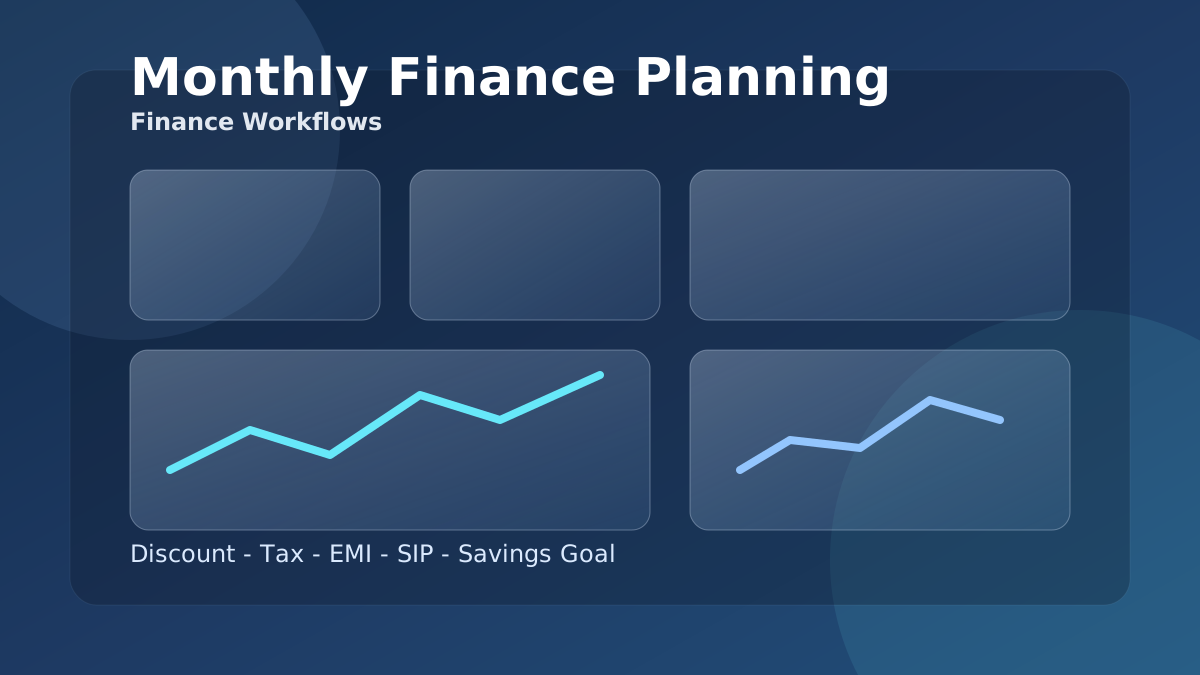
Plan Loan EMI, Interest, and Prepayment Without Surprises
The monthly EMI is only half the story. This guide shows how to see the total interest, compare terms, and understand why early prepayment saves the most.
GST and VAT Invoicing Without the Common Errors
Most invoice disputes come from applying tax and discount in the wrong order, or confusing tax-inclusive and tax-exclusive prices. Here is how to get it right every time.
Writing SEO Titles, Slugs, and Meta Descriptions That Work
Before you publish, a few minutes on the title, slug, meta description, and readability pays off in clicks. This is a simple pre-publish checklist using free tools.
Using AI Tools Responsibly for Content and Code
AI helpers can draft a summary, a reply, or a SQL query in seconds. Used well they save time; used carelessly they introduce errors. Here is how to get the upside safely.
A Simple Routine to Improve Typing Speed and Accuracy
Faster typing comes from accuracy and consistent practice, not from rushing. This guide turns the typing tests into a short routine that actually builds skill.
Network Diagnostics in the Browser: IP, DNS, Ping, and Ports
When a site is slow or unreachable, a few quick checks tell you whether the problem is your connection, DNS, or the server. Here is a simple triage order.