Deep dive map - where to start and what to open next
If you are solving this exact problem right now, open the tools in the same order shown below and keep this article open as your checklist. This avoids skipping steps that usually cause rework.
Start with Password Generator, Temp Email Generator, Email Alias Generator, Checksum Generator. Then continue reading Monthly Finance Planning with Practical Online Calculators, Hinglish to Hindi Workflow for Cleaner Devanagari Output, Privacy-First Browser Tools for Daily Workflows, Developer Validation Stack: JSON, Regex, Schema, and SQL Workflow, Temporary Email and Alias Workflow for Safer Signups, SEO Content Workflow with Meta, Slug, and Reading Time Tools, Compress and Convert Images for Faster, Lighter Web Pages, JSON, CSV, and Base64: A Clean Data Conversion Workflow, Plan Loan EMI, Interest, and Prepayment Without Surprises, GST and VAT Invoicing Without the Common Errors, Writing SEO Titles, Slugs, and Meta Descriptions That Work, Using AI Tools Responsibly for Content and Code, A Simple Routine to Improve Typing Speed and Accuracy, Network Diagnostics in the Browser: IP, DNS, Ping, and Ports for connected workflows.
The three habits that prevent most problems
Most account compromises come from reused passwords, careless signups that flood your inbox and expose your address, and downloads that were tampered with. Three small habits address all three.
None of them require paid software. They take a minute each and pay off the first time a service you used gets breached.
Unique passwords and disposable signups
Use the Password Generator to create a long, random password for every account, so a leak at one service cannot unlock the others. Store them in a password manager rather than memory.
For trials, one-time downloads, and sites you do not trust, use the Temp Email Generator or an alias from the Email Alias Generator. Aliases also let you see which company sold or leaked your address.
- Aim for 16+ characters with mixed character types for important accounts.
- Never reuse a password across sites; uniqueness is what limits the blast radius of a leak.
- Use a per-service alias so you can disable it if it starts getting spam.
Verify what you download
When a site publishes a checksum (an MD5 or SHA-256 hash) for a download, use the Checksum Generator to confirm your copy matches. A mismatch means the file was corrupted or altered and should not be trusted.
Because these tools run in your browser, your passwords and files are never sent anywhere during use.
Why this is useful in depth
You reduce the damage of leaks and spam by using unique passwords, disposable signups, and verified downloads, all without an account.
Frequently Asked Questions
How long should a password be?▼
Length matters more than complexity. Aim for at least 16 characters of random text for important accounts; a generated random string is far stronger than a clever but short one.
Is a generated password safe if it is made in the browser?▼
Yes. It is created locally using the browser's secure random source and is not transmitted anywhere. Save it in a password manager immediately.
What is the point of an email alias?▼
An alias forwards to your real inbox but can be turned off, and it tells you which service leaked your address if spam starts arriving on that alias.
What does a checksum actually prove?▼
It proves the file you have is byte-for-byte identical to the one the publisher hashed. A match means no corruption or tampering in transit; a mismatch is a red flag.
Do these tools store my passwords or files?▼
No. They run client-side, so nothing you generate or check is uploaded or logged.
Explore all blog posts
Continue with these internal links for more practical tool workflows.
Monthly Finance Planning with Practical Online Calculators
If your month-end budget keeps changing after every invoice check, this guide shows a stable calculator sequence for tax, EMI, SIP, and savings decisions.
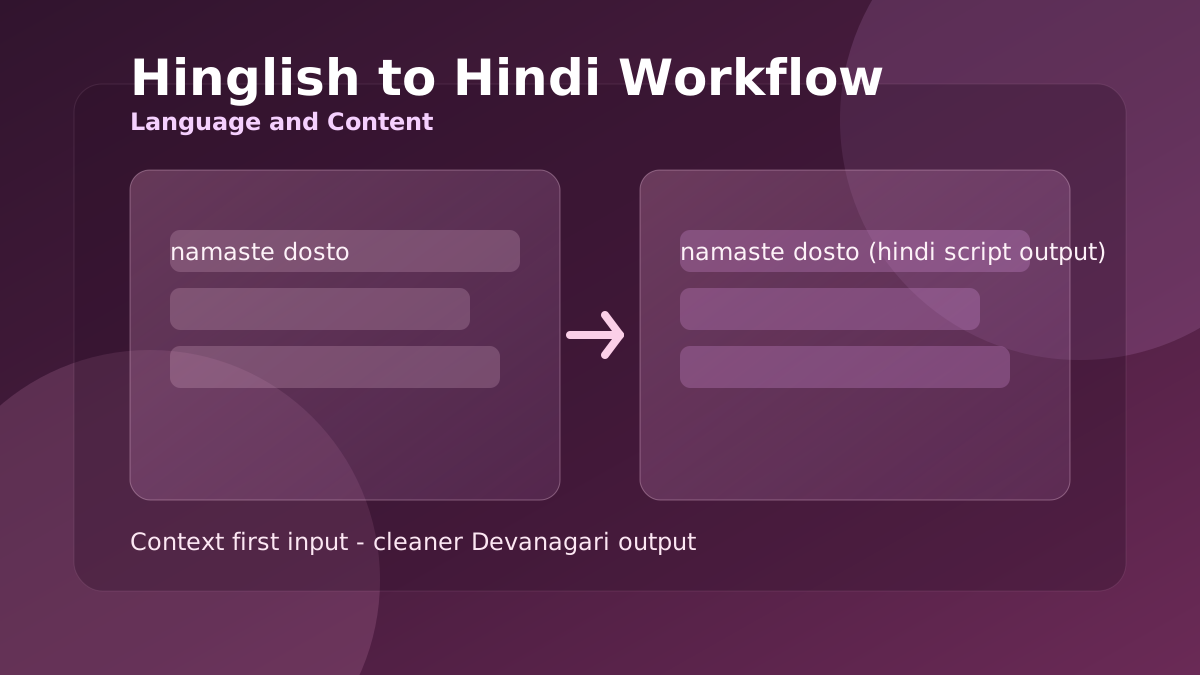
Hinglish to Hindi Workflow for Cleaner Devanagari Output
When Roman Hindi captions look correct but Devanagari output feels awkward, this workflow helps you produce readable Hindi for posts, chats, and support replies.
Privacy-First Browser Tools for Daily Workflows
A browser-first routine for handling client notes, drafts, and sensitive text tasks without pushing raw data to random third-party tools.
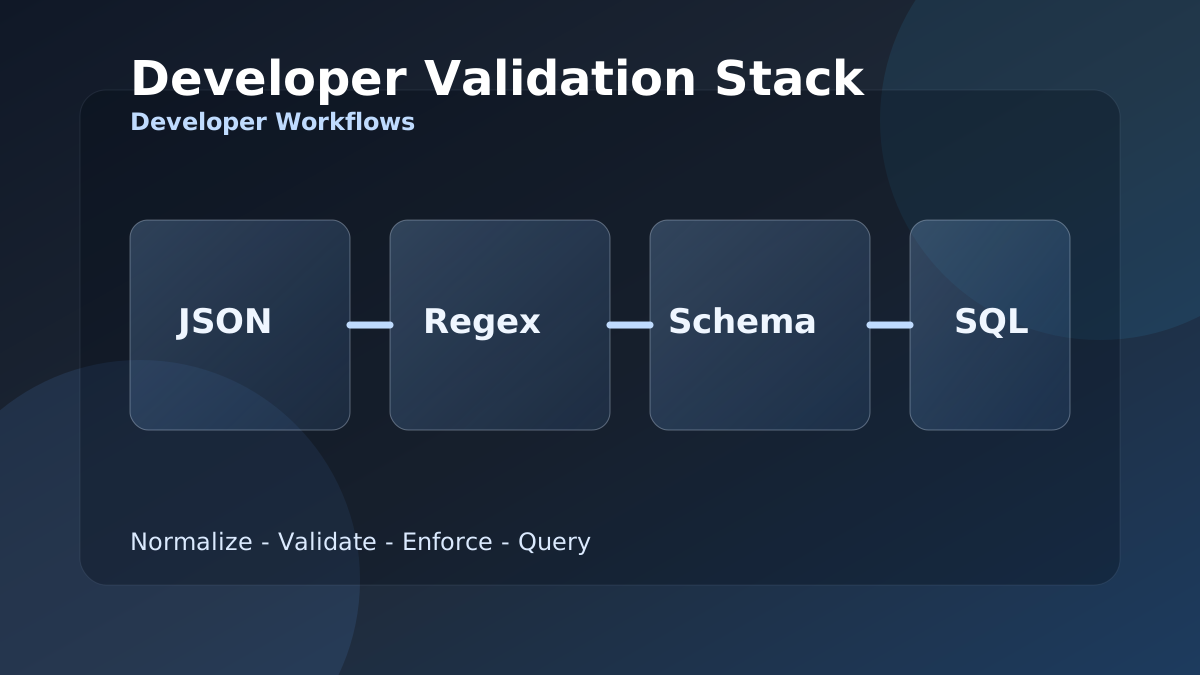
Developer Validation Stack: JSON, Regex, Schema, and SQL Workflow
When integration bugs come from malformed payloads and weak field checks, this stack gives developers a repeatable JSON to SQL validation workflow.
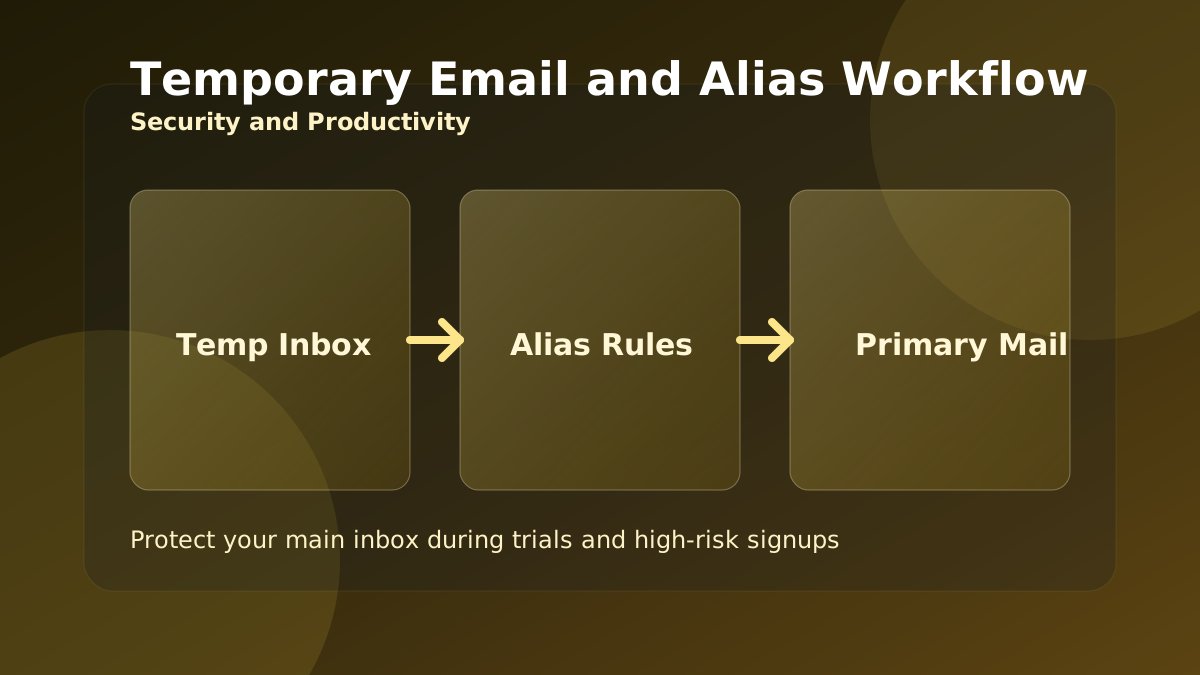
Temporary Email and Alias Workflow for Safer Signups
Use temporary inboxes and aliases the right way to protect your main mailbox during trials, product research, and high-risk signup flows.
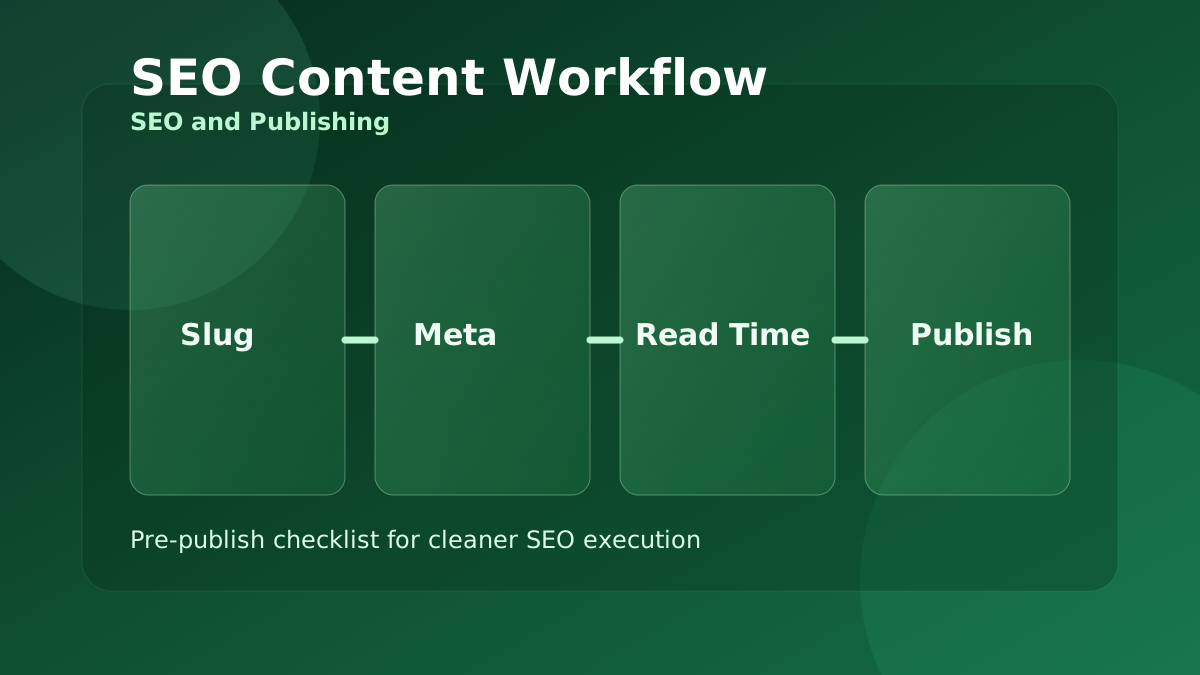
SEO Content Workflow with Meta, Slug, and Reading Time Tools
A practical pre-publish workflow for content teams that need cleaner slugs, stronger metadata, and better readability before publishing.
Compress and Convert Images for Faster, Lighter Web Pages
Large images are the most common reason pages load slowly. This guide shows a simple browser-only routine to resize, compress, and convert images to the right format.
JSON, CSV, and Base64: A Clean Data Conversion Workflow
Moving data between a spreadsheet, an API, and your code means converting formats without corrupting it. Here is a reliable order of operations using free browser tools.
Plan Loan EMI, Interest, and Prepayment Without Surprises
The monthly EMI is only half the story. This guide shows how to see the total interest, compare terms, and understand why early prepayment saves the most.
GST and VAT Invoicing Without the Common Errors
Most invoice disputes come from applying tax and discount in the wrong order, or confusing tax-inclusive and tax-exclusive prices. Here is how to get it right every time.
Writing SEO Titles, Slugs, and Meta Descriptions That Work
Before you publish, a few minutes on the title, slug, meta description, and readability pays off in clicks. This is a simple pre-publish checklist using free tools.
Using AI Tools Responsibly for Content and Code
AI helpers can draft a summary, a reply, or a SQL query in seconds. Used well they save time; used carelessly they introduce errors. Here is how to get the upside safely.
A Simple Routine to Improve Typing Speed and Accuracy
Faster typing comes from accuracy and consistent practice, not from rushing. This guide turns the typing tests into a short routine that actually builds skill.
Network Diagnostics in the Browser: IP, DNS, Ping, and Ports
When a site is slow or unreachable, a few quick checks tell you whether the problem is your connection, DNS, or the server. Here is a simple triage order.